

Guide
Run custom sandbox images on private Borealis networks
Prepare a reusable VM image, start independent sandboxes from it and connect the services that need to reach each other.
Borealis Team
Prepare a reusable VM image, start independent sandboxes from it and connect the services that need to reach each other.
Borealis Team
Borealis can prepare custom base images from a Dockerfile or an immutable registry image. Start sandboxes from a prepared revision, then connect them through private networks. Each sandbox has its own filesystem and processes, with network access to the services you choose to connect.
A custom image lets you install an application, runtime and test tools once and reuse them in later sandboxes. Private networking lets you run components separately, such as a client in one sandbox and its API server in another.
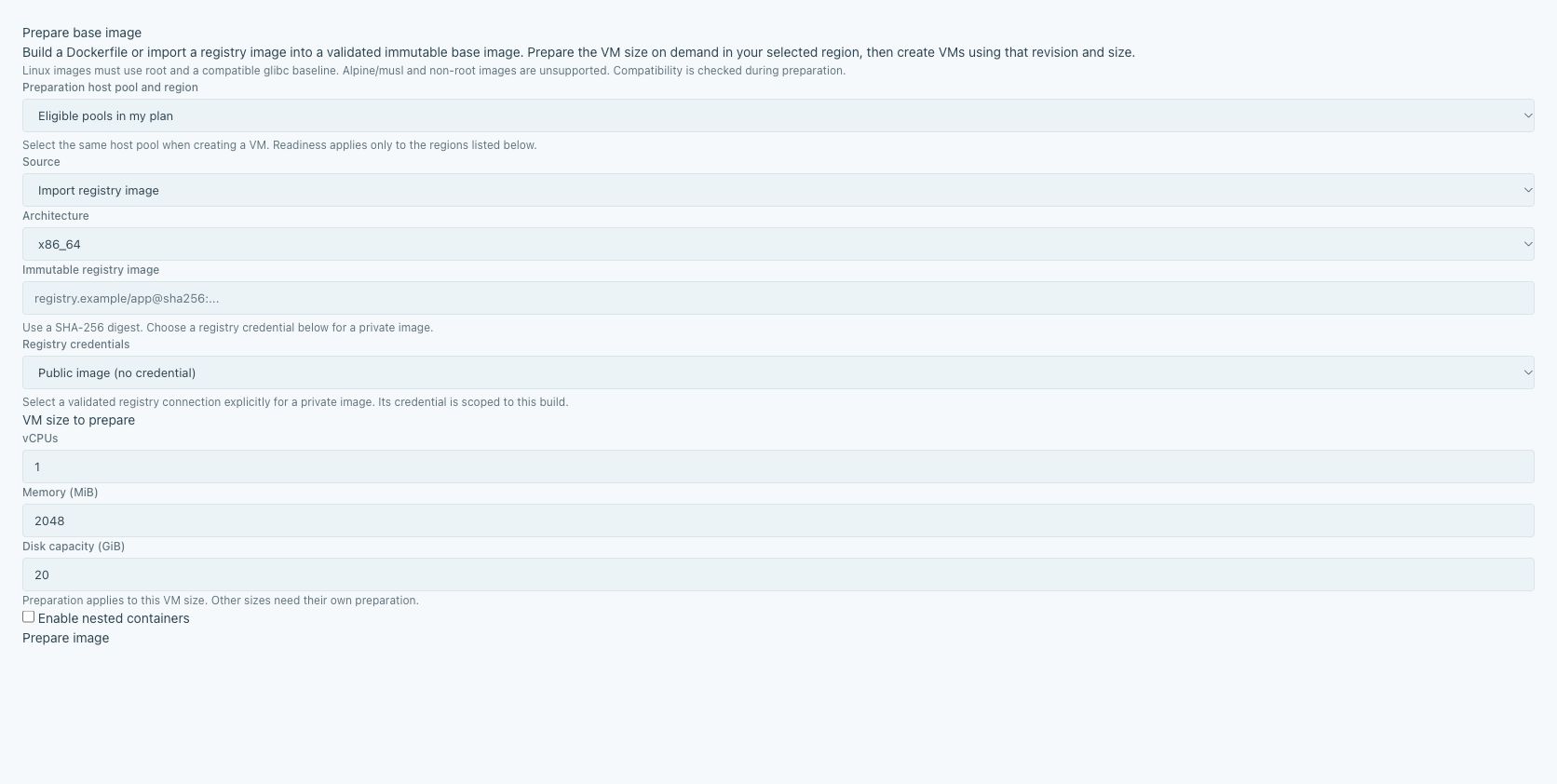
The Images screen accepts a Dockerfile or a registry image pinned to a digest. Private registry imports use a registry connection authorised to read the image. You can also submit image builds and follow their progress through the CLI or public API.
For a document-conversion service, include the converter executable, its runtime and a small test document. Sandboxes created from that revision start with the same installed files. You can give a teammate the revision identifier to reproduce the setup without asking them to repeat the installation.
Prepare the revision for the resources and region where it will run. Once it is ready, use it to create a sandbox. The image preparation guide covers the supported Linux bases and user requirements.
Attach the client and server sandboxes to the same organisation network. Give the conversion service a discoverable name, then configure the client to use that address. The client can reach the server by name without depending on which physical host runs it.
A sandbox can have multiple network attachments. This lets you connect it to more than one group of services. Network membership controls connectivity; the services themselves still enforce their authentication requirements.
The client and server remain separate machines. Each runs with the libraries and files installed in its own image, so the test exercises the network protocol between them.
Run the existing client against the current converter and save the response for the test document. Prepare a new image revision containing the updated converter, then repeat the request with the same client and input.
You can compare the response status, media type and document contents. For example, a server update might return a different response format even though the request succeeds. Keeping the client unchanged makes that compatibility check repeatable.
The image revision records the starting filesystem. The network connects the running components. You can reuse the same images in another experiment with a separate network and a different combination of client and server versions.
Prepare an image containing your application, then start a sandbox from it. See images, registries and templates for image preparation and the CLI guide for creating and connecting sandboxes from your terminal.